



App Control Modes
Download Love Spouse App from Google Play or Apple Store (Android and IOS), and enjoy all kinds of amazing modes with a tap of your finger.
- Classic mode: There are 9 vibration modes and 3 thrust modes to choose from. You can select the mode you like best according to your preferences.
- Video Mode: Watch your downloaded videos in the app while using the 9 vibration modes and 3 thrust modes.
- Music Mode: Choose a song you like and let the vibration and shock function rise and fall with the music’s frequency and tone.
- Draw Something: Click “+” and draw a line on the app to set your own vibration frequency. The closer your finger is to the edge of the screen, the stronger the vibration and bump function.
- Shake It: Shake your phone to set your own vibration frequency. The more you shake, the stronger the vibration and bump function.
- Interactive Mode: Click “+” and enter your friend’s ID, nickname, or phone number to add them. After your friend confirms, they will appear in your list. You can invite your friend to interact (including text, voice, and video calls or asking to control the other person’s device).
NOTE: Our vibrating dildo features magnetic charging; the metal area flashes while charging. When charging is complete, the light stops flashing. The dildo cannot be used while charging, and the charging cable needs to be unplugged to use it.
How to Use the Remote Control
Step 1: Press and hold the switch on the bottom of the dildo. The indicator light will flash to indicate it is ready to use with the remote control.
Step 2: Ensure the batteries in the battery compartment of the remote control are properly installed.
Step 3: Click the remote control wave button to turn on the vibration. Click again to switch the vibration mode, and long press to turn off the vibration.
Click the remote control on/off button to turn on the telescopic function. Click again to switch the telescopic mode, and long press to turn it off.
Click the remote control heating button to turn on the heating feature, and click again to turn off the heating.
Specifications
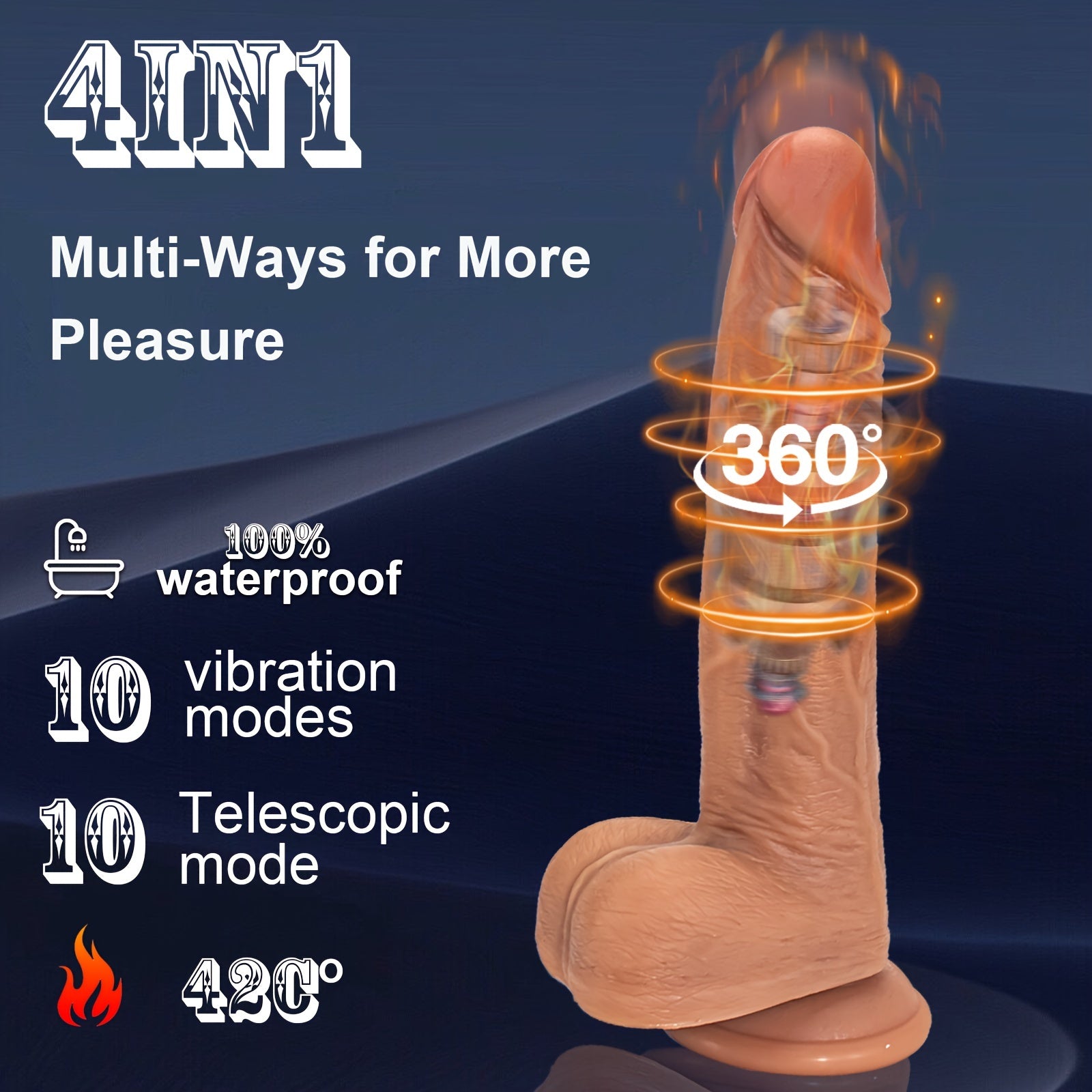
- 4 In 1 Insert Dildo
- 10 Vibration Modes
- 10 Telescopic Modes
Package Contents
- YIQU App Remote Control Dildo
- Remote Control
- Charging Cable
- User Manual
For additional media, see below:


